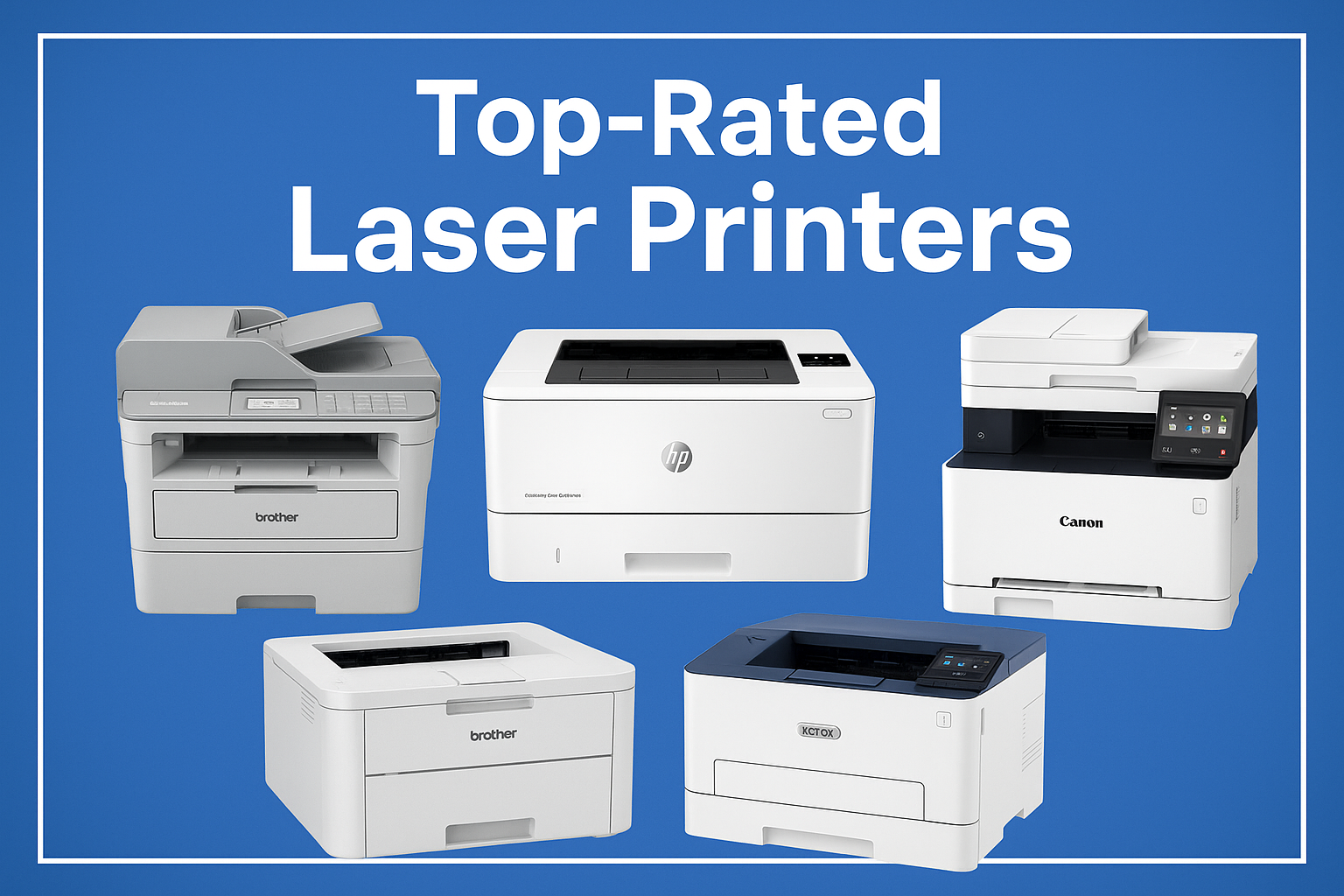
Top-Rated Laser Printers for Home and Office Use
Choosing the right laser printer is crucial for both home and office environments, where reliability, speed, and print quality can make a significant difference in daily productivity. With so many options available on Amazon, it can be challenging to identify models that consistently meet user expectations and deliver long-term value. This guide highlights some of the top-rated monochrome and color laser printers, selected based on user reviews, sales performance, and overall reputation for quality.
The printers listed here include a mix of all-in-one multifunction devices and single-function models, covering both home office needs and small business demands. They offer features such as automatic duplex printing, wireless connectivity, high-speed output, and cloud printing capabilities. Each printer in this guide has been tested and rated highly by users for its performance, durability, and ease of use.
By focusing on these top-rated printers, this guide aims to simplify the decision-making process for readers seeking dependable and versatile devices. Whether you require high-volume printing, multifunction features, or high-quality color output, the following selections provide a balanced overview of the most trusted options on the market today.
Criteria for Selection:
-
User Ratings and Reviews: Only printers with consistently high ratings and positive user feedback across Amazon and other retail platforms were considered.
-
Sales Performance: Best-selling printers were prioritized to ensure popularity and market acceptance.
-
Printing Features: Automatic duplex printing, wireless connectivity, and multifunction capabilities were key factors.
-
Speed and Efficiency: Models with fast print speeds and high monthly duty cycles were preferred.
-
Reliability and Durability: Printers known for long-term reliability, low maintenance, and quality output were selected.
-
Versatility: A mix of monochrome and color printers, as well as single-function and all-in-one models, was included to address different user needs.
Overviews
Brother Work Smart 1410


The Brother Work Smart 1410 is a compact wireless all‑in‑one inkjet printer suited for home or small office use. It offers printing, scanning, and copying, with a 2.7” color touchscreen for easy control, support for cloud printing, and automatic duplex (two‑sided) printing. It supports wireless and USB connection, handles a 150‑sheet paper tray plus a 20‑sheet ADF, and delivers up to ~16 pages per minute (black) or ~9 ppm (color). The printer aims to balance convenience, color output, and multifunction capability in a relatively affordable and easy-to-use package.
Pros
-
All‑in‑One functionality — prints, scans, and copies from a single device, making it a space‑efficient choice for home offices or small workspaces.
-
Automatic duplex printing — two‑sided printing helps save paper and is convenient for multi‑page documents.
-
Compact & space‑friendly design — its relatively small footprint makes it easier to fit on a desk or in a small room.
-
Wireless + cloud + touchscreen support — easy setup and printing/ scanning directly from mobile devices or cloud apps (e.g. Dropbox, Google Drive), which adds flexibility.
-
Decent print quality for text and color documents — users report crisp text output and supportive color printing for documents, charts, or casual photos, making it versatile for everyday prints.
Cons
-
Ink usage and management can be frustrating — some users mention that if one of the four cartridges (black, cyan, magenta, yellow) is low, the printer may block new jobs until it’s replaced — even if you only need black‑and‑white printing.
-
ADF is single-sided only — while there’s a 20‑sheet automatic document feeder, it doesn’t support duplex scanning, so double‑sided scanning or copying still requires manual paper flipping.
-
Print speed is modest compared to laser printers — at up to 16 ppm (black) / 9 ppm (color), it may struggle with very large print jobs or heavy workloads.
-
Ink costs may add up if printing heavily — like many inkjet printers, frequent printing (especially in color) can lead to frequent cartridge replacement.
HP LaserJet Pro M402dn Monochrome Printer

is a compact and efficient monochrome laser printer designed for small offices or home‑office use. It specializes in dependable black‑and‑white printing at up to 38–40 pages per minute, with automatic double-sided printing, Ethernet or USB connectivity, and a high monthly duty cycle — making it suitable for regular or heavy document‑printing tasks.
Pros
-
Fast, high‑volume printing: Users frequently report that the M402dn wakes and prints quickly, handling up to 38 ppm (40 ppm letter size) — convenient when printing reports, contracts or batches of documents.
-
Automatic duplex (two‑sided) printing: Built‑in duplex saves time and paper, especially helpful for multi‑page documents.
-
Robust duty cycle and reliability: With a rated monthly duty cycle up to 80,000 pages and recommended monthly volume of 750–4,000 pages, it handles heavy workloads without frequent maintenance.
-
Sharp, clean black‑and‑white output: Print quality for text and standard documents is solid, with resolution options up to 1200 × 1200 dpi (via HP’s “enhanced” resolution modes).
-
Simple, no‑frills design: As a print‑only device (no scanner, copier, or color), it stays relatively affordable, stable, and easy to maintain — a plus for users focused purely on reliable document printing.
Cons
-
No wireless built-in: M402dn relies on wired Ethernet or USB connection, which can be inconvenient if you prefer Wi‑Fi printing or mobile printing from various devices.
-
Monochrome only: Because it prints only in black and white, it’s not suitable if you ever need color printing for charts, graphics, or images.
-
Print‑only (no scan/copy): If you need document scanning or copying, you’ll need a separate device or a multifunction printer.
-
Inconsistent experience with renewed units: Some buyers of the renewed version (especially from third‑party sellers) report issues such as missing toner, missing accessories (e.g. cables), or receiving a used/partially incomplete unit — which undermines reliability out of the box.
-
Not ideal for occasional home use: Because it’s optimized for volume printing, its size, noise, and configuration may be overkill for light, infrequent home printing needs.
Canon Color imageCLASS MF753Cdw II

a wireless, color laser all‑in‑one printer that delivers printing, scanning, copying, and faxing. It prints up to 35 pages per minute (color or mono), has automatic duplex (2‑sided) printing, and comes with a 5″ color touchscreen and a 50‑sheet duplex ADF (automatic document feeder). It supports mobile printing (Wi‑Fi, AirPrint, Mopria, Wi‑Fi Direct) and can hold 250 sheets in its main tray + 50‑sheet multipurpose tray (expandable with optional cassette). Designed for home offices or small/mid‑size businesses needing reliable color laser printing and multifunction capability.
Pros
-
Full‑function all‑in‑one: Prints, scans, copies, and faxes — ideal if you want one device to handle all typical office tasks.
-
Color laser printing + duplex: Supports high-quality color and black‑and‑white printing, with automatic two‑sided printing to save paper and produce professional-looking documents.
-
Good speed & output quality: Up to 35 ppm with 1200 × 1200 dpi resolution delivers sharp, crisp text and graphics, with first page out in ~7 seconds.
-
Convenient document handling: Has a 50‑sheet duplex ADF for scanning or copying multi‑page double‑sided documents quickly, plus a multipurpose tray for envelopes or different paper sizes.
-
Flexible connectivity & mobile printing: Works over Wi‑Fi, Ethernet or USB and supports printing from phones or tablets via AirPrint, Mopria, or manufacturer app.
Cons
-
Relatively heavy / bulky: As a full-featured laser all-in-one with large paper capacity, it’s heavier and takes more space compared to compact inkjets or smaller laser printers.
-
Toner costs may be higher: As with many color laser printers, replacement toner cartridges (especially color) can be relatively expensive compared to mono‑laser or inkjet — so running costs may add up if you print often in color.
-
More complex than basic printers: With multifunction features, duplexing, color printing, and network/mobile connectivity — setup and maintenance are more involved; may be overkill for light, occasional home printing.
-
No borderless photo printing / limited media types: This model is optimized for documents and office printing, less ideal for high‑quality photos or specialty paper tasks.
Lexmark MX431adw Laser Monochrome MFP Printer 29S0500

A compact monochrome laser all‑in‑one printer designed for small offices or workgroups: the MX431adw offers printing, copying, scanning, and faxing in a single unit. It reaches up to 42 pages per minute with a first‑page-out time of ~5.9 seconds, and includes a 2.8″ color touchscreen for convenient control. Automatic duplex (two-sided) printing and duplex scanning with ADF support come standard. It supports wireless printing as well as Ethernet and USB, and uses Lexmark’s durable frame and “Unison” toner system — built to handle a recommended monthly volume of 800–8,000 pages (with a max cycle of up to 80,000).
Pros
-
Fast printing & high throughput — With up to 42 ppm and quick first‑page output, it copes well with heavy print workloads and large document batches.
-
Full‑featured MFP (print/scan/copy/fax) — The combination of laser printing, flatbed + ADF scanning (with duplex support), copying, and faxing covers most office document needs in a single device.
-
Automatic duplex printing and scanning — Saves paper and streamlines two‑sided document handling both for printing and scanning/copying.
-
Flexible connectivity & modern interface — Built‑in Wi‑Fi (plus Ethernet/USB), mobile printing support (AirPrint, Mopria, cloud printing), and a 2.8″ touchscreen make operation and networked use straightforward.
-
Durable build and long‑life toner system — With a steel frame, lifetime fuser, and toner yield up to 20,000 pages (with high‑yield cartridges), the printer is built for consistent long-term use.
Cons
-
Monochrome only (no color) — Since it prints only black‑and‑white, it’s not suitable for those who occasionally need color documents, graphics, or images.
-
Relatively basic touchscreen size — The 2.8″ panel, while functional, is modest compared to larger displays on some competing models, which may limit ease of complex menu navigation or touchscreen-heavy tasks.
-
Potential toner costs — While high‑yield cartridges offer long life, frequent use (especially heavy monthly volume) may still mean nontrivial ongoing toner expenses.
-
Physical footprint and weight — As a robust MFP with duplexing, ADF, and metal construction, it is bulkier/heavier than compact home printers — small desks or limited space may find it cumbersome.
-
No built‑in color output or photo quality — As a mono laser, the output is optimized for text and basic documents; it’s not intended for color charts, presentations with color detail, or photo‑like printing.
Xerox C410dn Colour Laser Printer

a colour A4 laser printer aimed at small to mid‑size offices or workgroups. It prints both colour and black‑and‑white documents at up to 40 ppm, supports automatic two‑sided printing, offers a user‑friendly 4.3″ interface, and — with optional wireless adapter — can be connected via Ethernet, USB, or Wi‑Fi for flexible use.
Pros
-
Fast, high‑volume printing: Up to 40 ppm for both colour and B&W makes it efficient for large print jobs or frequent use.
-
Automatic duplex printing: Built‑in two-sided printing helps save paper and is convenient for printing booklets, manuals or double‑sided documents.
-
Good print quality for office documents: Uses a colour laser process with up to 1200 × 1200 dpi (with 4800‑colour quality mode), producing sharp text and decent colour graphics — suitable for reports, flyers, brochures, etc.
-
Flexible connectivity & network‑ready: Supports Ethernet and USB out of the box; with optional wireless adapter, it can integrate into networked offices or enable mobile/cloud printing (e.g. via AirPrint, Mopria).
-
Robust build and high duty cycle: Rated for up to 125,000 pages/month maximum (recommended up to ~10,000), making it suitable for sustained workload in a small business environment.
Cons
-
Base unit lacks wireless by default: Without the optional adapter, you’re limited to Ethernet or USB — may not be ideal if you need plug‑and‑play wireless printing.
-
Not multifunctional — print only: This model does not include scanning, copying, or faxing; if you need those, you’ll need a separate device.
-
Printer footprint and weight: As a full‑size colour laser printer, it’s heavier and bulkier than compact inkjets — may require dedicated desk or office space.
-
Higher initial cost and toner expenses (colour): Colour laser printers tend to have higher cost per page than monochrome printers or inkjets, especially when printing a fair amount of colour documents.
-
Duplex print slower than simplex for colour: While duplex printing works, the effective speed for double‑sided colour prints is lower (often about 20 ppm), which means large duplex colour jobs take more time.